What makes an elegant cursive font right for your college commencement invitation?
An elegant cursive font for college commencement invitation balances formality with personality. It’s not just decorative it signals respect for the occasion while reflecting the graduate’s individuality. Think of fonts like Great Vibes, Parisienne, or Playfair Display Italic: smooth joins, consistent slant, and restrained flourishes that read clearly at 12–14 pt size.
When should you choose this style over others?
Use an elegant cursive font when the invitation leans formal black-tie ceremonies, university-organized events, or venues like historic chapels or academic halls. Avoid it for highly casual backyard gatherings or digital-only invites where screen legibility suffers. For hybrid events, pair it with a clean sans-serif (like Lato or Montserrat) for body text this keeps hierarchy clear without sacrificing grace.
How to match the font to your event’s tone and details
Consider the venue’s architecture: Gothic stone buildings pair well with slightly structured scripts like Adorn Script; modern glass atriums suit lighter, airier options like Brittany Signature. If names include non-Latin characters or hyphenated surnames, test spacing and ligature support first. Also check if your printer requires OpenType features enabled some elegant cursive fonts need them for proper swashes or contextual alternates.
Common technical pitfalls and how to fix them
Too much flourish overwhelms small print sizes. A frequent mistake is using full-swash versions for guest names opt instead for the standard weight or “short swash” variant. Kerning often needs manual adjustment: tighten space between “T” and “o”, loosen between “r” and “y”. Always export PDFs with embedded fonts, and preview on both desktop and mobile before finalizing. If printing on textured paper, avoid ultra-thin strokes they may break up during press runs.
Where to find reliable, license-friendly options
Free fonts like Dancing Script work for personal use but lack extended language support. For professional printing, consider paid fonts like Sofia Pro Script or Allura, which include full character sets, optical sizing, and commercial licenses. Always verify licensing covers physical invitations and digital sharing.
Your pre-print checklist
- Test print one name at actual size on the same paper stock you’ll use
- Confirm all names render correctly especially accents, middle initials, or double surnames
- Ensure contrast meets accessibility standards (e.g., dark ink on ivory, not gold on cream)
- Save two versions: one with full script for headers, one with simplified script or serif for addresses
- Allow three business days for proof review not just spelling, but rhythm and balance across lines
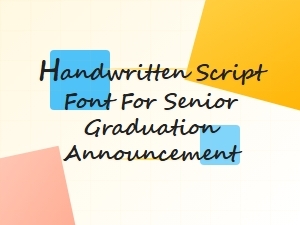 Handwritten Script Fonts for Senior Graduation Announcements
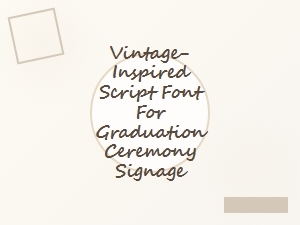 Vintage-Inspired Script Font for Graduation Signage
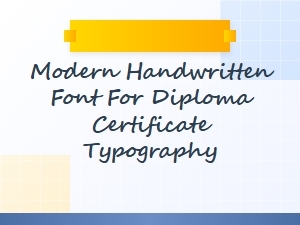 Modern Handwritten Font for Diploma Certificates
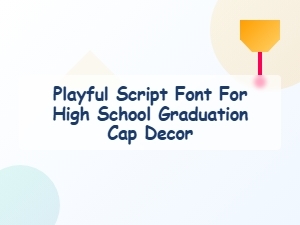 Playful Script Font for Graduation Cap Decor
 Elegant Serif Fonts for Graduation Invitations
 Graduation Cap Decorative Display Font